Talk the usual way
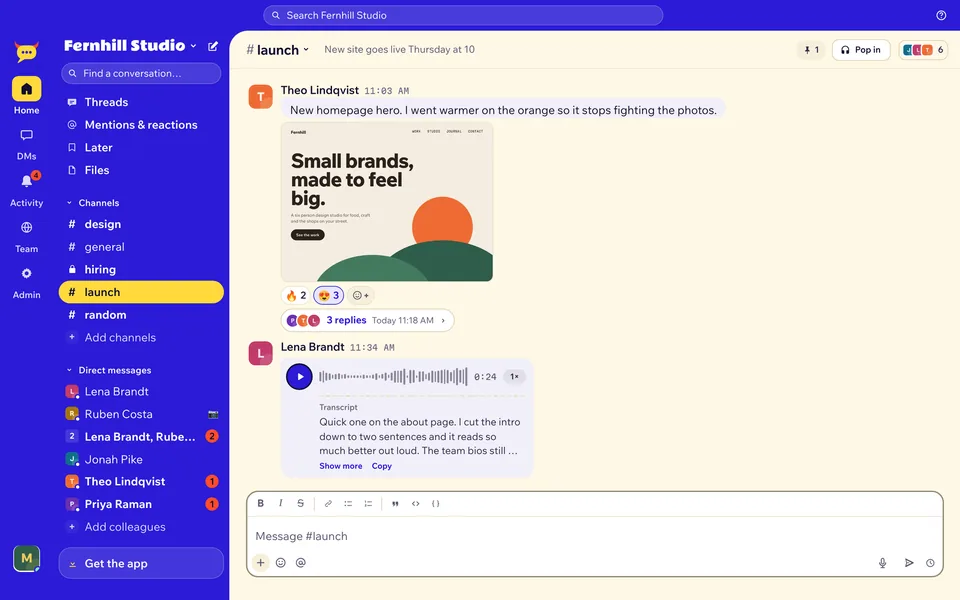
Public and private channels, threads, DMs, mentions, reactions and pins. Files, photos and videos up to 1 GB.
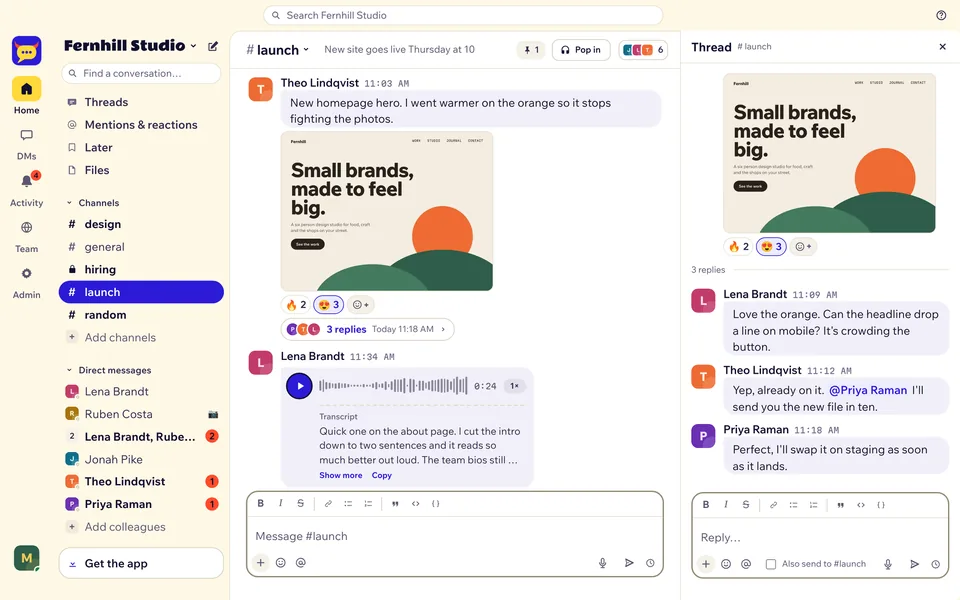



Channels, threads, calls and voice notes with transcripts, running on your own Cloudflare account. Nobody pays per seat.

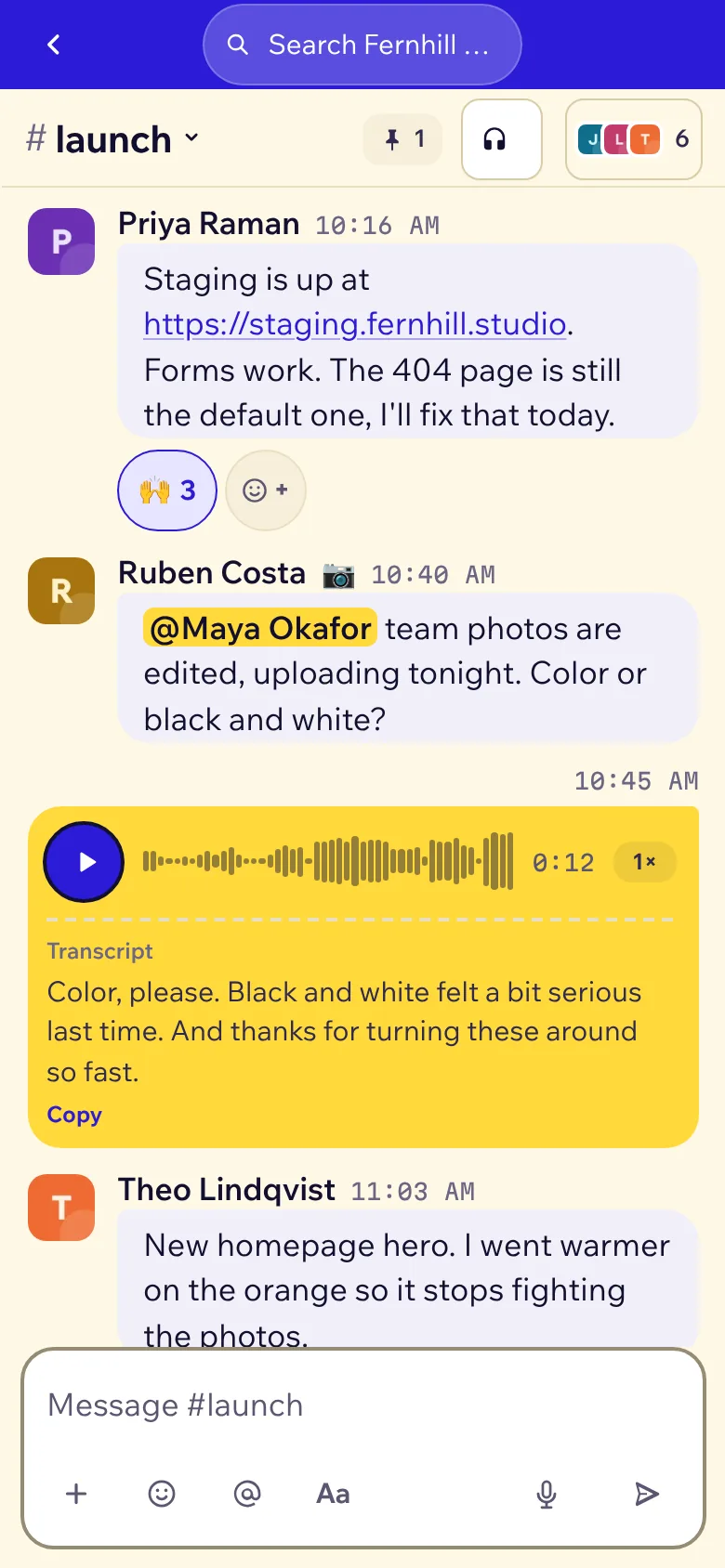
If your people use Slack, they already know where everything is. Yakyard started as the internal chat of a team that left Slack, and that team still uses it every day.
Public and private channels, threads, DMs, mentions, reactions and pins. Files, photos and videos up to 1 GB.
Installs like an app on iPhone, Android, Mac and Windows. Push notifications with quiet hours, muted channels and VIPs.
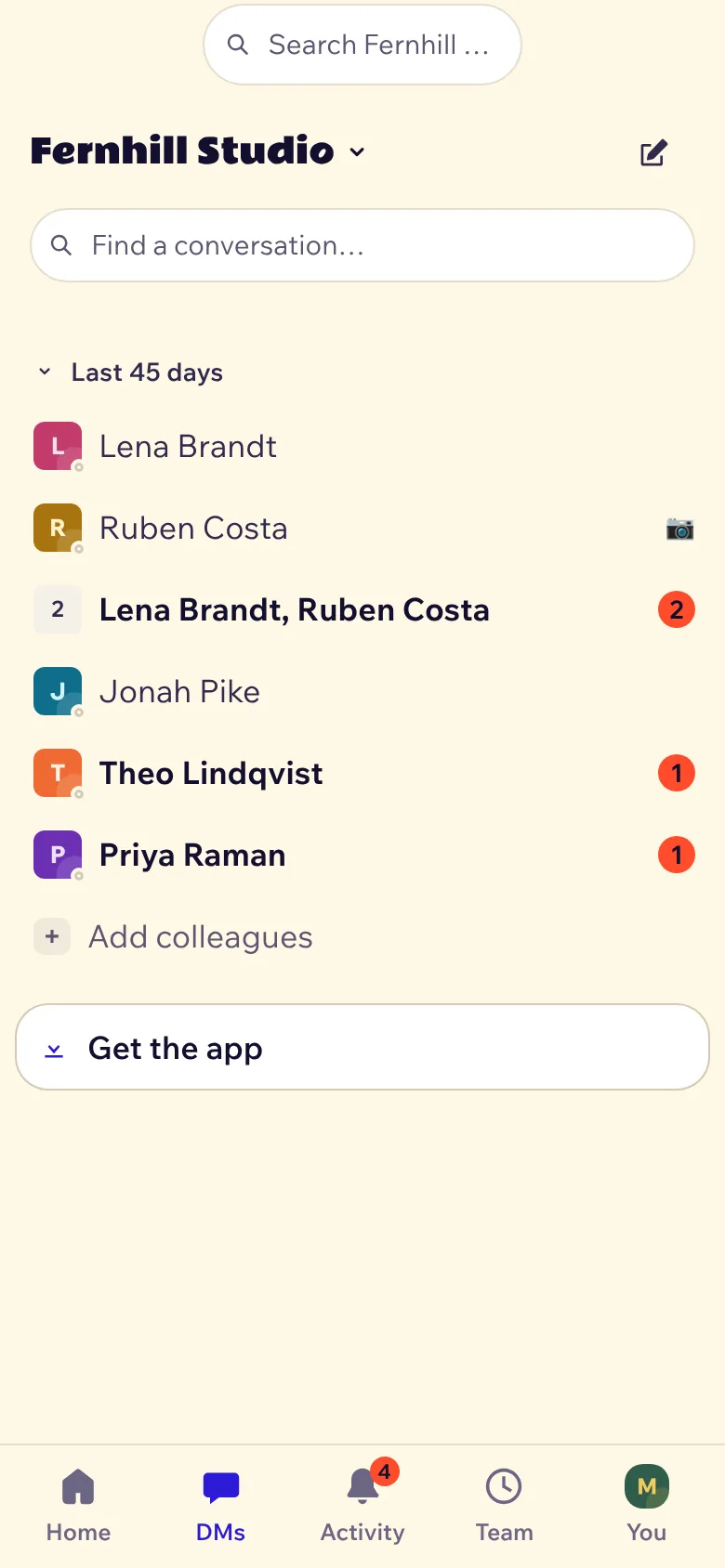
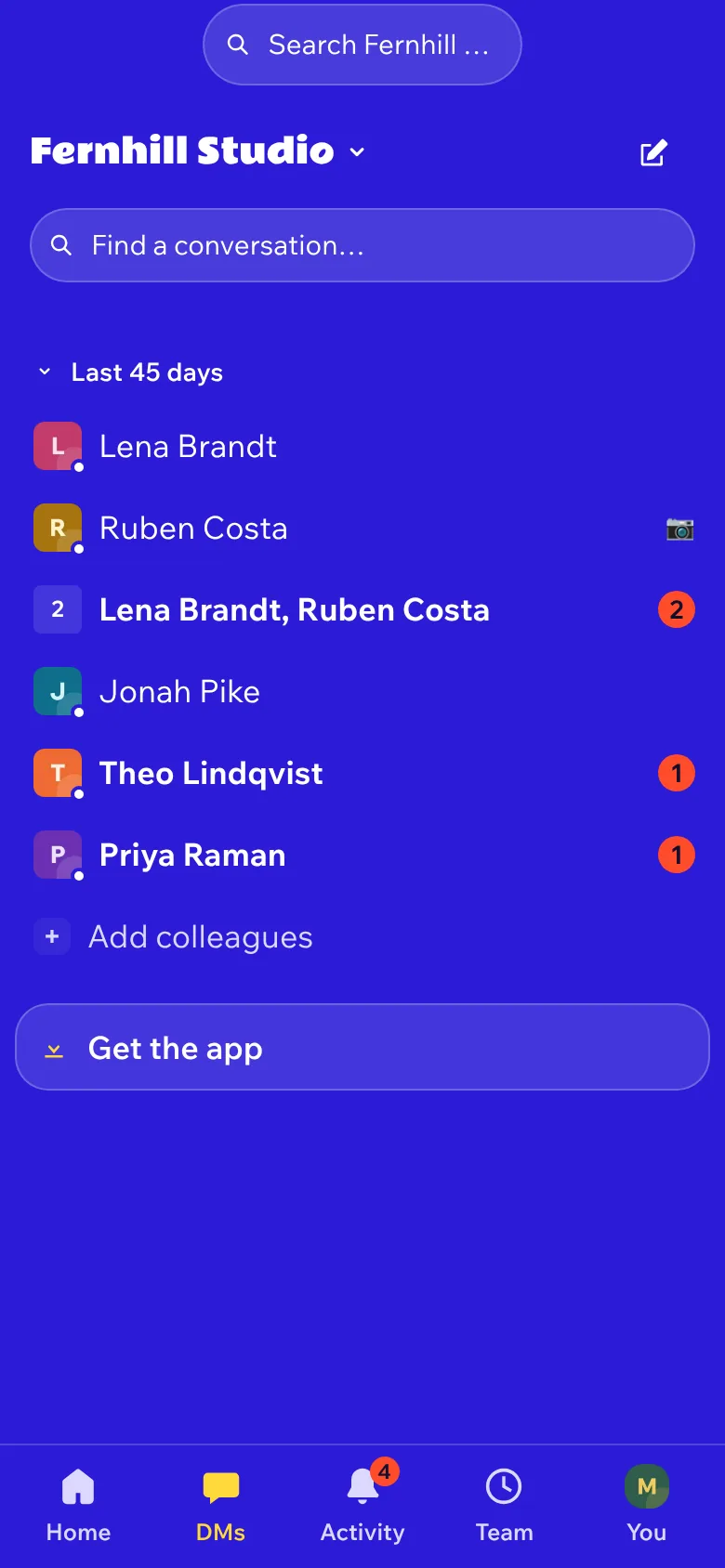
Light, Dark and Yaky. Each person picks their own.
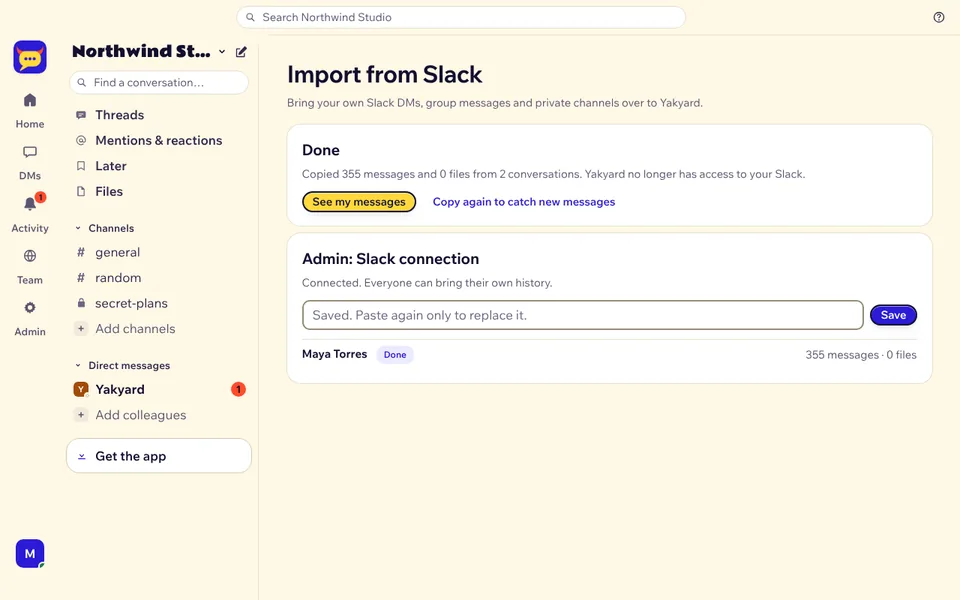
Each person copies their own Slack DMs, group messages and private channels, with files and reactions. Read-only access, removed when the copy is done.
Tap the mic, talk for up to 15 minutes, send. Every voice note gets a written transcript, so your team can skim it when they can't listen, and find it in search next month.
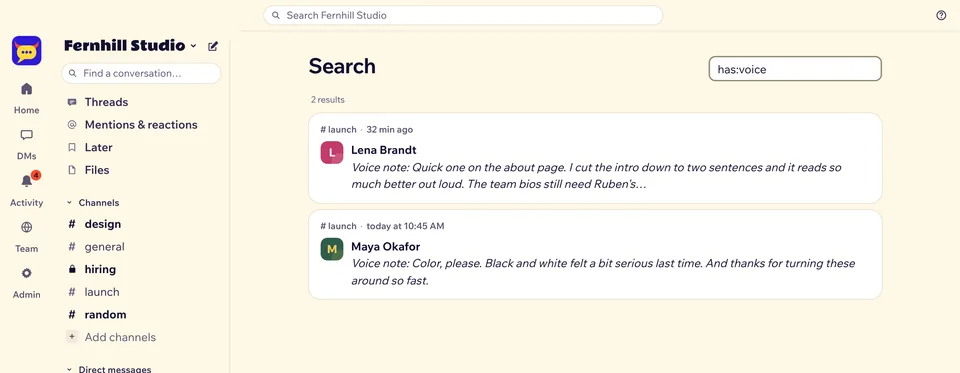
has:voice finds notes by what was said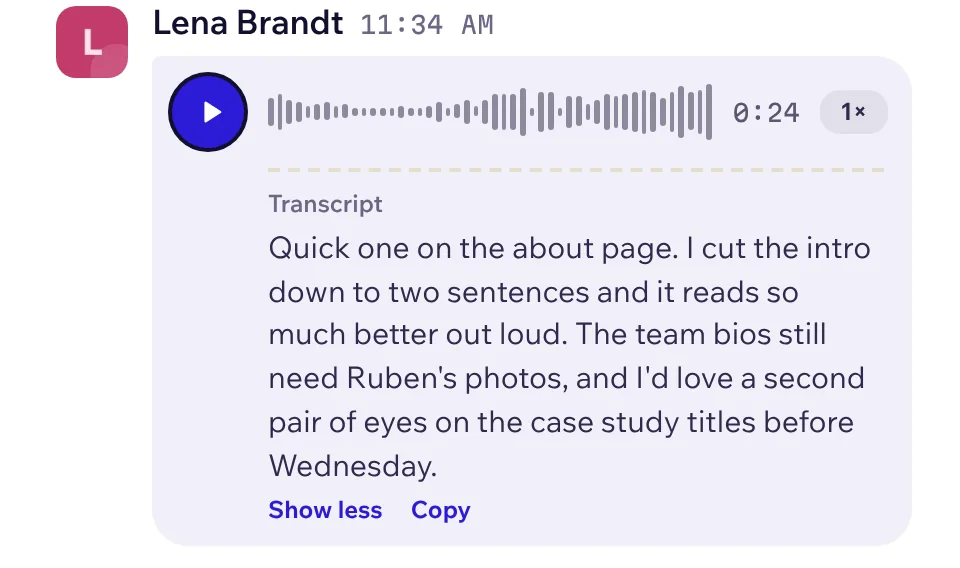
The others charge per person, every month. Yakyard costs the same at 5 people as at 50.
US dollars before tax, from each vendor's own page on 21 November 2026 (sources). "About 50 people" is our estimate for a busy team. The real limits are Cloudflare's daily allowances, not a seat count. Above them, Workers Paid is $5 a month for the whole account.
Some of these beat Yakyard at things that might matter to you. Need OSI open source? Zulip, Campfire, Mattermost Team Edition or Element. Need end-to-end encryption? Element.
| App | Price per person a month | Free plan catch | Run it yourself | License |
|---|---|---|---|---|
| Yakyard | $0. Above about 50 people, $5 a month for the whole team | Cloudflare's daily limits | Yes, on your Cloudflare account, no server | PolyForm Shield (source-available) |
| Slack | Pro $7.25 yearly, $8.75 monthly | 90 days of history; older than a year is deleted | No | Closed |
| Microsoft Teams | Essentials $4 (yearly) | Free Teams: 60-minute group calls | No | Closed |
| Google Chat | In Workspace, from $7 yearly, $8.40 flexible | No free business plan | No | Closed |
| Mattermost | Paid plans by quote | Free Entry edition shows 10,000 messages of history | Yes, Linux server and PostgreSQL | MIT (Team Edition) or commercial |
| Zulip | Cloud Standard $6.67 yearly, $8 monthly | Cloud Free: 10,000 messages of search history | Yes, free self-hosted | Apache 2.0 |
| Campfire | Free | No calls listed | Yes, your server | MIT |
| Element (Matrix) | Enterprise per seat, by quote | Community is for non-professional use | Yes, your server | AGPL-3.0 or commercial |
Prices checked on 21 November 2026. Read the app-by-app comparison, with Discord and Rocket.Chat too.
If one of them is a deal-breaker, you want to know now. The longer version has the details.
No server, no Docker, no database to patch. One button, or four commands.
Then turn on R2, the file storage, in the dashboard. Cloudflare asks for a payment card first. Nothing is charged under 10 GB.
It copies Yakyard to your GitHub, creates the database, file storage and background jobs, and deploys. When it asks for SETUP_TOKEN, type a long random code and keep it.
Open the address it gives you, paste the setup code and create the owner account.
Click Invite people and send the links.
$ git clone https://github.com/yakyard/yakyard.git
$ cd yakyard
$ npx wrangler login
$ npm run deploy   # prints your address and a one-time setup code
Updates and backups are one command each: npm run update and npm run backup. Notifications, Google sign-in and the Slack import are in the setup guide.
The questions people ask before they switch. All of them are on the FAQ page.
The software is free. It runs on Cloudflare's free plan for up to about 50 people. Above that, Cloudflare charges $5 a month for the whole account, not per person.
Yes. Any company can run it for its own team, for free. What you can't do is sell Yakyard or offer it as a chat service to others.
People in your workspace, and whoever has access to your Cloudflare account. Messages aren't end-to-end encrypted. Nobody at Yakyard can see them.
Yakyard installs from the browser on iPhone and Android, with its own icon and notifications. There's no App Store or Play Store app.
Each person copies their own Slack DMs, group messages and private channels, with files. Public channel history stays in Slack.
Your copy keeps running on your account. You have the code, the database and a backup command. Nothing phones home.
Nobody sells support. There's the setup guide, GitHub issues and the people who use it.
No. It's free and source-available under PolyForm Shield 1.0.0. You can read, change and run the code, but not sell it or build a competing product with it.
One command backs it all up to a file you keep. Nothing phones home.