Everything you use today
Channels, threads, DMs, calls, search, phone notifications, Google sign-in, the Slack import and locked conversations. Same code as on Cloudflare. Photo previews are made on your server.
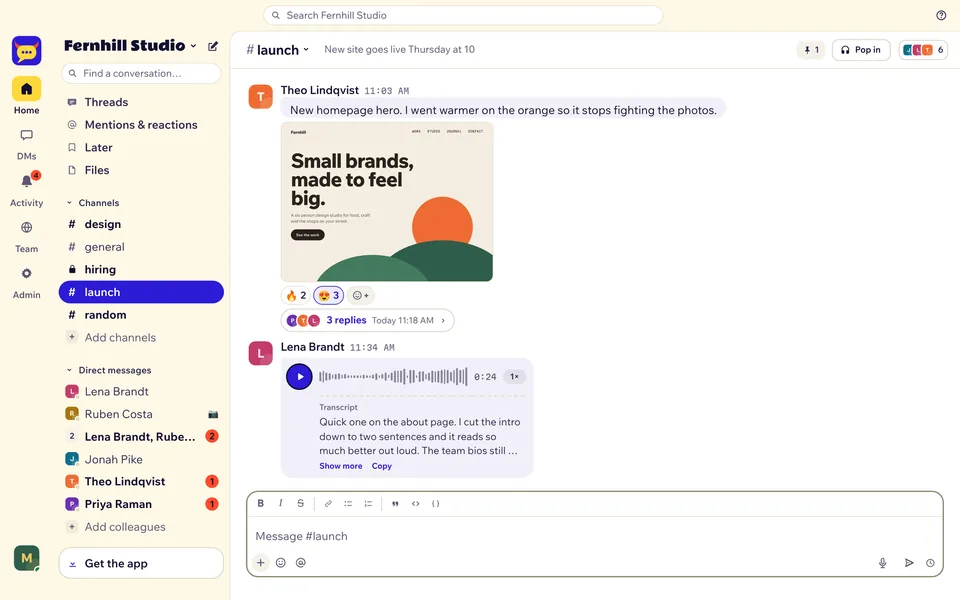


Yakyard runs on your own Linux server now. Docker runs it, Caddy handles HTTPS, and every message, file and setting sits in one volume on your disk.
You need a Linux server with Docker Compose v2, a domain pointing at it, and ports 80 and 443 open. 1 GB of memory is enough for a small team.
git clone https://github.com/yakyard/yakyard.git
cd yakyard
cp .env.example .env
# set DOMAIN and SETUP_TOKEN
docker compose up -d
When docker compose ps says healthy, open https://your-domain/setup and create the owner account. Caddy gets the certificate by itself.
The Worker runs in workerd, the open-source runtime Cloudflare Workers is built on, through Wrangler's local mode. The database, files and background jobs live in one Docker volume, and the database is brought up to date every time Yakyard starts.
Channels, threads, DMs, calls, search, phone notifications, Google sign-in, the Slack import and locked conversations. Same code as on Cloudflare. Photo previews are made on your server.
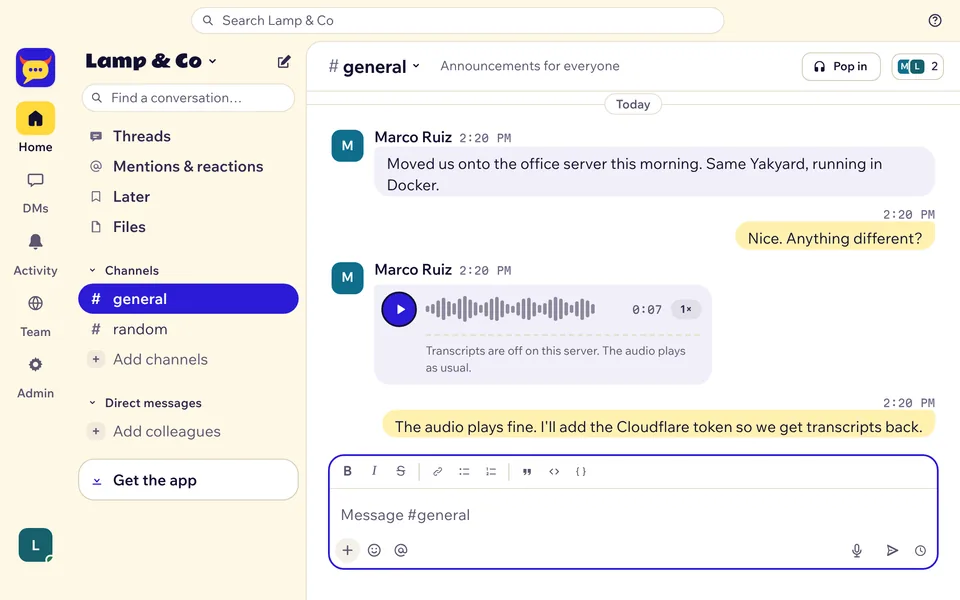
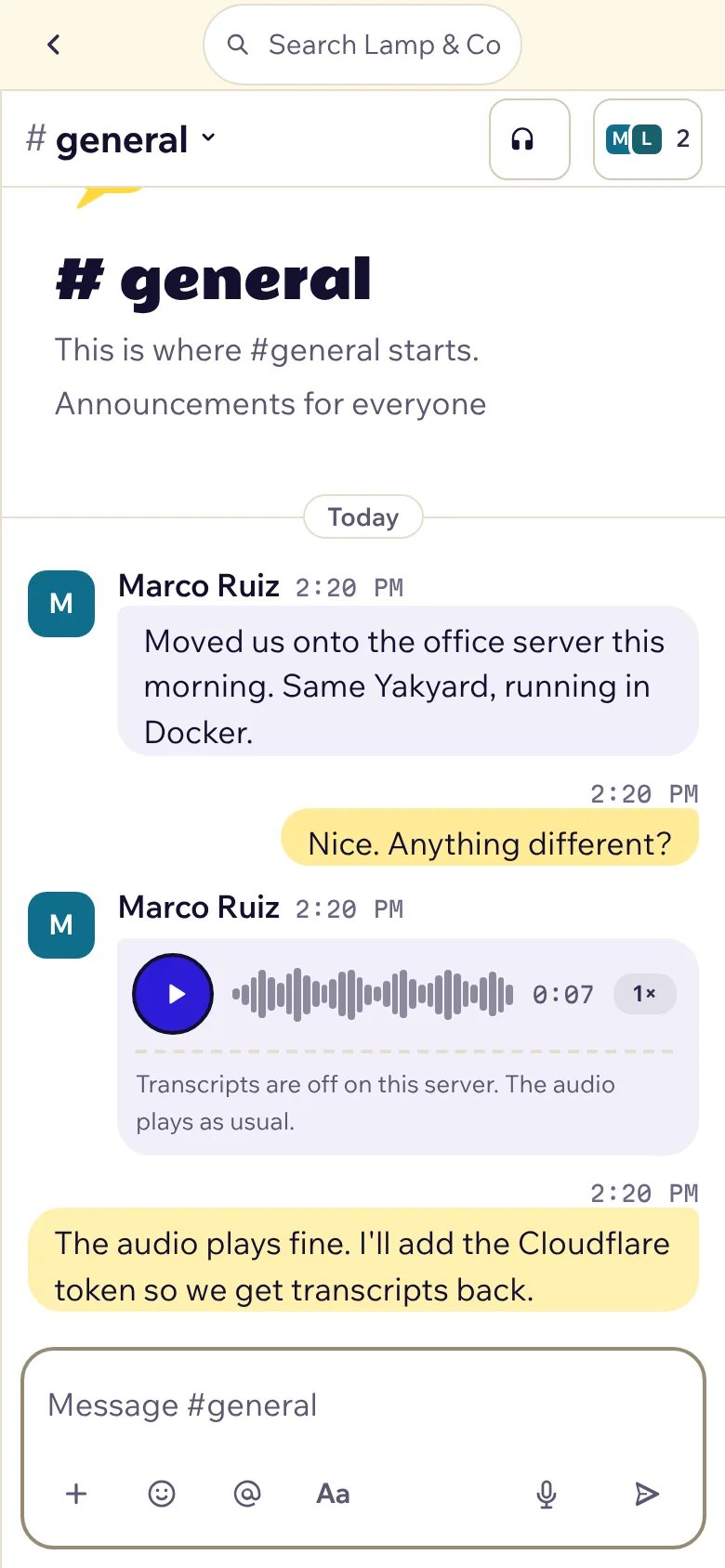
They record, send and play. Transcripts come from Workers AI, so they need a free Cloudflare token. Without one, each note says so.
One command backs up everything: messages, files, voice notes and settings. Copy the file off the server.
sh docker/backup.sh. It stops Yakyard for a few seconds so the database is copied whole, and saves a dated file in the backups folder. To put one back, run sh docker/restore.sh. It asks first.ghcr.io/yakyard/yakyard. latest follows releases, or pin one in .env, like YAKYARD_VERSION=2.2.0, and update when you choose.Don't want to look after a server? Stay on Cloudflare. Want your chat on hardware you control, with no daily limits? Use Docker.
| Where | Setup | Cost | Limits | Transcripts | Upkeep |
|---|---|---|---|---|---|
| Cloudflare | Deploy button or four commands, about 30 minutes | $0 for most teams up to about 50 people | Cloudflare's daily free plan limits | Built in | Cloudflare runs the machines |
| Your own server | docker compose up -d, about 15 minutes | What your server costs | Your server's memory, CPU and disk. One server, no failover | Need a free Cloudflare token | You: system updates, firewall, disk |
npm run backup and the automatic updates are for Cloudflare installs. On your own server, use the two scripts. There's no guide yet for moving an existing Cloudflare install over.Back up first, then update. Nothing to turn on afterwards.
On Cloudflare:
npm run backup
npm run update
On your own server:
sh docker/backup.sh
git pull
docker compose pull
docker compose up -d
New to Yakyard? Setup on Cloudflare takes about 30 minutes, no coding.